



- Overview
- UH Guidance and Best Practices & AI Tool Decision Guide
- ITS Sponsored Tools
- Training and Presentations
- Resources
Overview
Artificial Intelligence (AI) tools have become widely available for everyday use. These tools focus on content creation (text, images, etc.) and have the capacity to expedite existing processes and make possible new ones. Within higher education, they have the potential to foster student learning and advance many aspects of research. While there are many benefits from the responsible use of AI, there are notable risks and limitations that should be taken into consideration when using these technologies, particularly in the following areas.
Privacy and security . Personal information shared as an input could potentially become public and/or repurposed to train the software’s learning model, violating data protection laws and UH policies.
Academic and research integrity and bias . Outputs may be factually inaccurate, misleading, biased, and/or discriminatory if we rely on the information without proper review. This puts us at risk of violating UH policies and potential liability.
Copyright . Confidential or proprietary information shared as an input may result in UH losing its intellectual property (IP) rights to that information. That information may be disclosed to unauthorized third parties through the use of AI tools.
Consequently, in addition to any formal policy UH adopts for AI, UH Policies on privacy and security (e.g., EP 2.210, EP 2.214, EP 2.215, AP 7.022), academic and research integrity and bias (e.g., EP 1.202, EP 1.204, EP 7.208, EP 12.211); and copyright (e.g., EP 12.205) should also be observed.



UH Guidance and Best Practices & AI Tool Decision Guide
|
The University of Hawaii has initiated a comprehensive, cross-functional effort to equip the UH community with essential tools, guidance, and best practices for effectively integrating AI into academic and professional environments. Additionally, efforts are underway to develop and implement policy changes that address the evolving impact of AI on work and education. Working draft of AI Tools UH Guidance and Best Practices for Faculty and Staff*. *Official UH login (@hawaii.edu) required. *UH community members may send questions and comments regarding the draft AI Tools UH Guidance and Best Practices for Faculty and Staff to datagov@hawaii.edu. |
 |
|
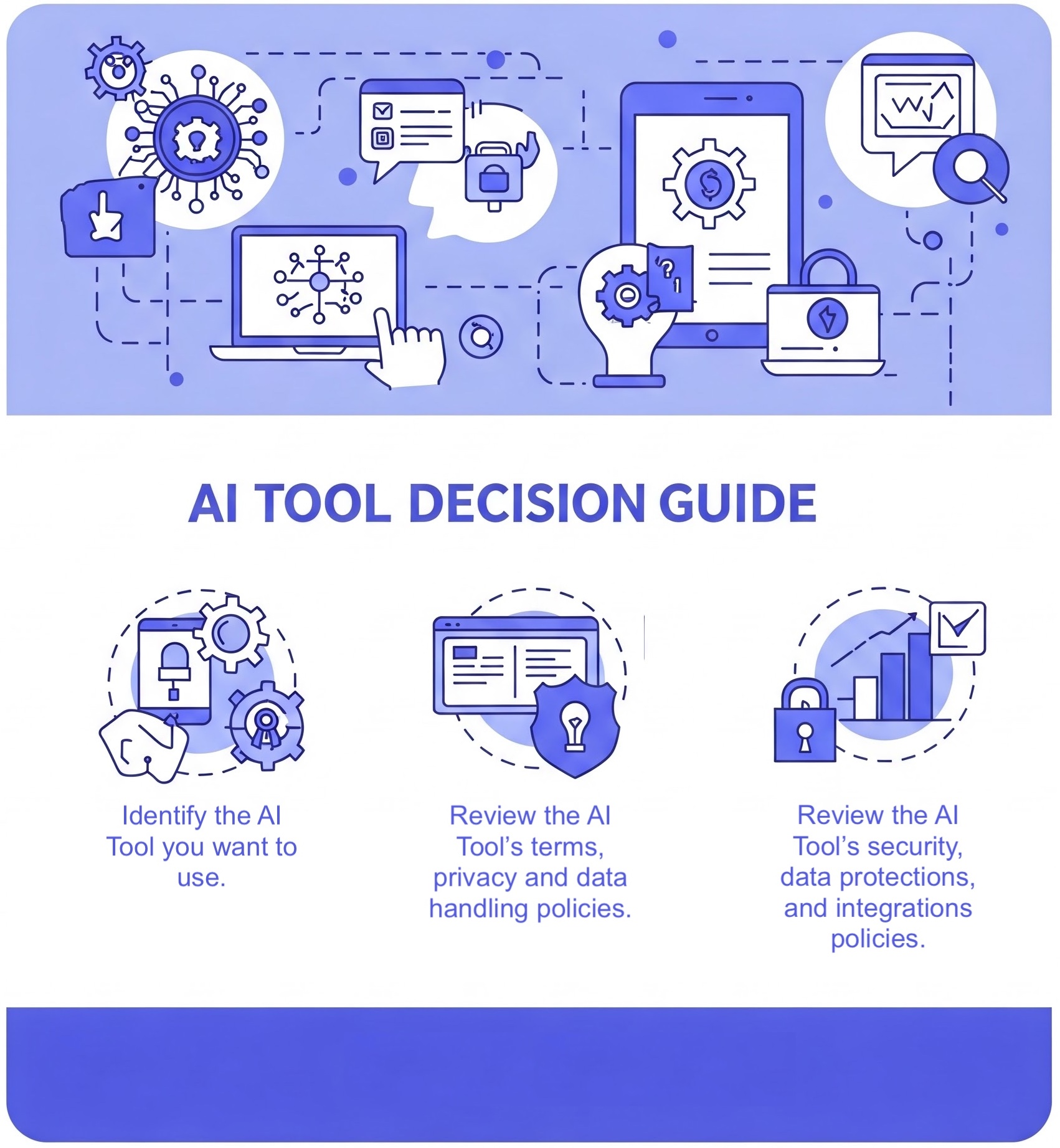
Thinking about using an AI tool? 🔍 What it’s for: 🛠️ How to use it: 🔗 Learn more and access the full guide: AI Tool Decision Guide (Official UH “@hawaii.edu” login required) |
|
ITS Sponsored AI Tools
When using AI tools for teaching and learning, research, and work-related functions, it is highly recommended that you use ITS sponsored tools when available. The contract language for ITS sponsored tools has been vetted for privacy and security considerations, such as ensuring that safeguards in place to prevent personal data from being exposed or used for AI training.
|
ITS Sponsored AI Tools |
Availability for Faculty and Staff |
|
|
Need to have a UH Zoom Enterprise license |
|
|
|
|
|
Icon is located on the Google Workspace app chooser (Note: students can opt-in to Google@UH Consumer Apps) |
|
|
URL: https://notebooklm.google.com (Note: students can opt-in to Google@UH Consumer Apps) |


 Google Gemini
 Google NotebookLM
Training and Presentations
Interested in learning more about AI?
|
 |
|
|
|
|
|
Resources
UH Sponsored AI Tool Resources
UH Advisory Council
UH Faculty, Staff and Student Resources
- UHM Office for Vice President for Academic Excellence - Guidance on AI
- UH ITS Reviewed Instructional Third-Party Online Tools
- UH Online - AI Recommendations
- UH Online - Generative Artificial Intelligence (GenAI)
- UH Online Innovation Center - Artificial Intelligence (AI)
- UH Online Innovation Center - AI Decision Tree
- UH Online Innovation Center - Artificial Intelligence (AI) Resources for Teaching and Learning
- UH Online Innovation Center - Artificial Intelligence (AI) Syllabi Icons and Sample Statements
*Images generated by DALL·E 3 | OpenAI