New Accessibility Compliance Date
The compliance date for the new rule on Accessibility of Web Content and Mobile Apps Provided by State and Local Governments is April 24, 2026.
To comply, all web content and mobile apps must meet the technical standard of the Web Content Accessibility Guidelines (WCAG) Version 2.1, Level AA.
For more information view: Fact Sheet: New Rule on the Accessibility of Web Content
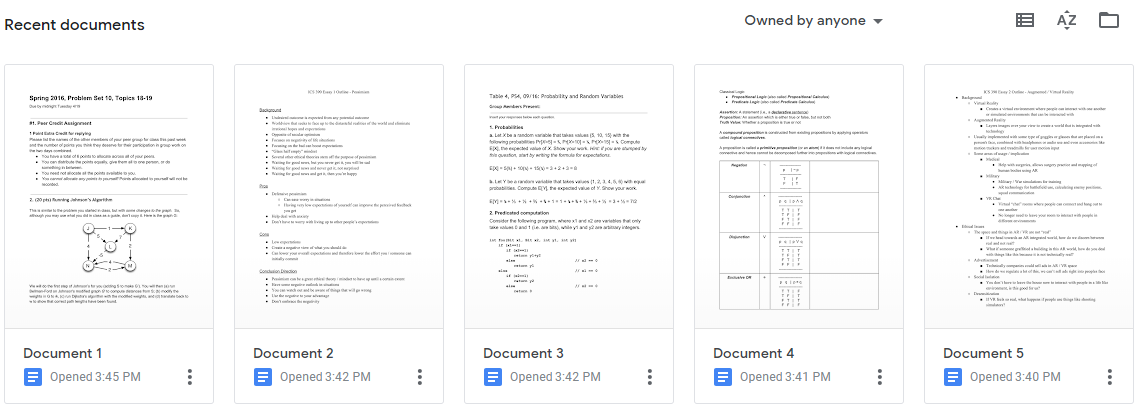
1. Select your document
Click on any document that you want to check for ADA compliance
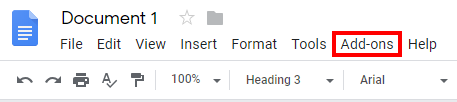
2. Click “Add-ons”
In the top left hand corner, click on “Add-ons” from the toolbar
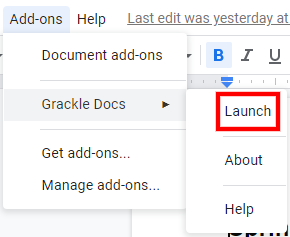
3. Click on “Launch”
Click on “Grackle Docs” and then click on “Launch” from the menu
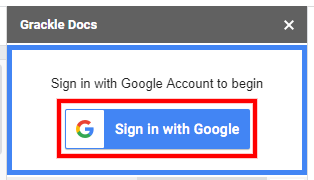
4. Sign in with Google
After the sidebar on the right has opened, click the “Sign in with Google” button
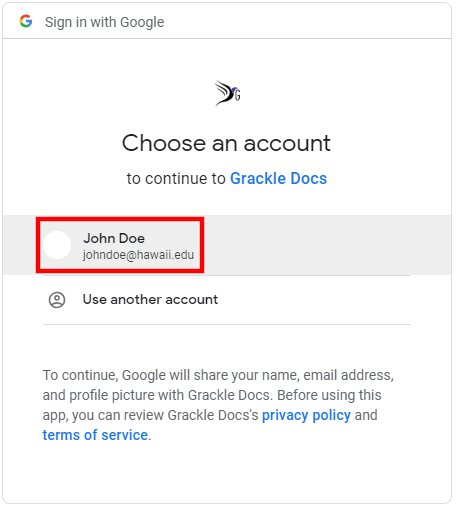
5. Choose your hawaii.edu account
Click on your UH account to continue
6. Allow Grackle access to Google Docs
Click “Allow” to let Grackle to run on Google Docs

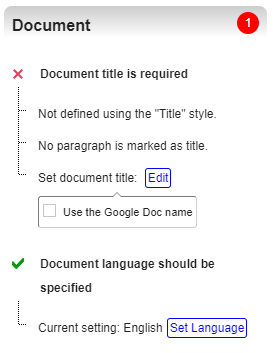
7. Fix Grackle errors
If there is a red circle in any section, you must correct the mistake in order to make the document ADA compliant. To fix your document, click the section with the red X and edit the section.
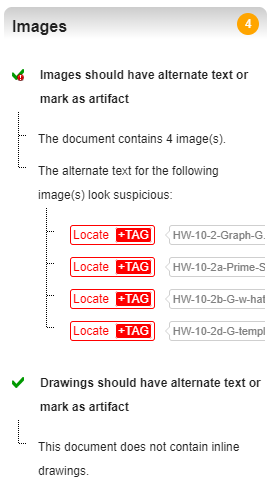
8. Fix Grackle suggestions
If there is a yellow circle in any section, you should correct the mistake in order to make the document ADA compliant. To fix your document, click the section with the green check mark with the red exclamation point and edit the section.
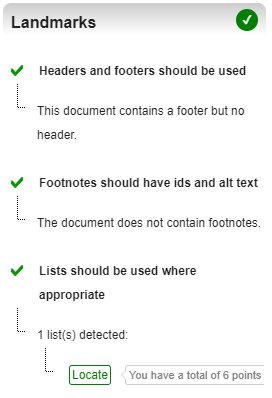
9. Grackle Success
If there is a green circle, the document section is ADA compliant.
10. Recheck your document
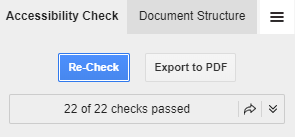
When you have edited all Grackle error and suggestions, click “Re-Check” at the top and let Grackle recheck your document.